Architecture before hardware
Kimi K3 Local Deployment — Run Kimi K3 on Your Own Machine
Decide what “local” means for your team: a local client, a private gateway, a quantized lab build or a full inference cluster.
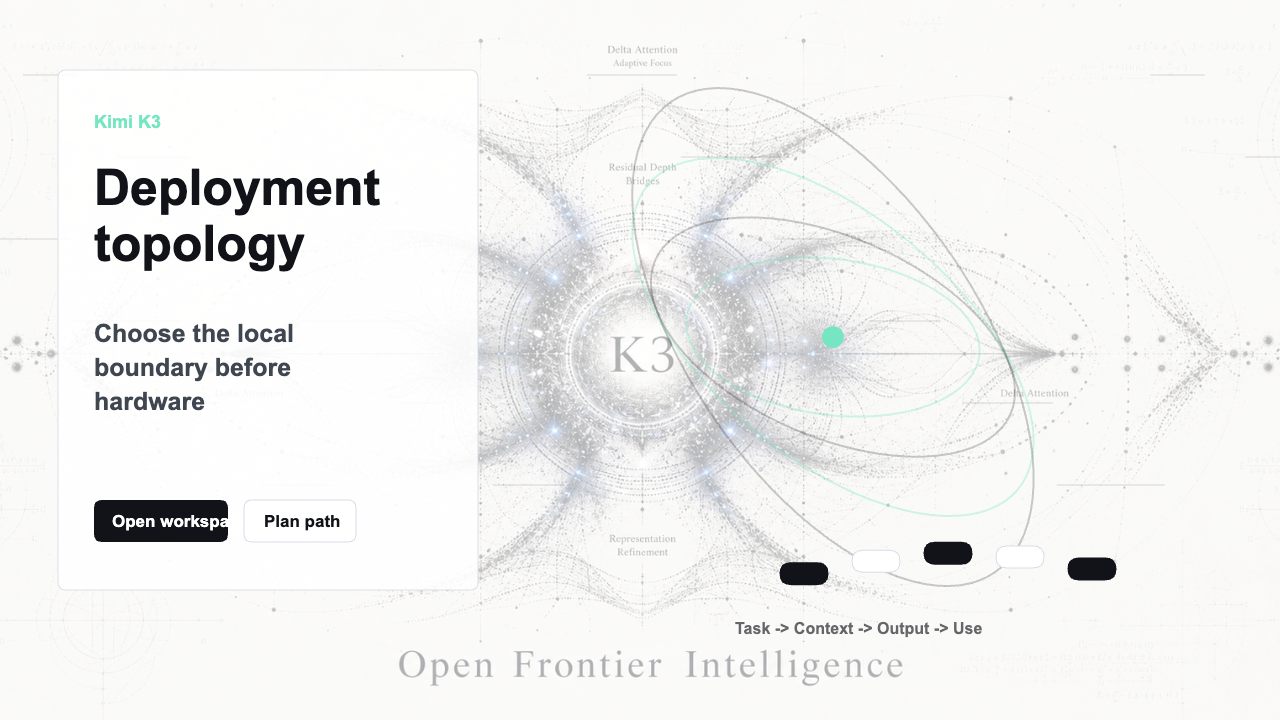
Kimi K3 Local Deployment in motion
A live orbital sequence from the first decision to a reviewable outcome.
Architecture before hardware
Deployment topology in motion
Client, gateway and inference layers stay visible as traffic moves through the local architecture.- Client
- Gateway
- Queue
- Runtime
- Monitor
Why Run Kimi K3 Locally?
Local deployment can improve control over data paths, observability and offline workflows, but the benefits depend on where inference actually happens. A desktop UI calling a remote API is not local inference. Write down which layer must stay inside your network: prompts, retrieved documents, model weights, logs, or all four.
Kimi K3 Hardware Requirements
Do not extrapolate laptop requirements from parameter count alone. Precision, quantization, active parameters, KV cache, context length, tensor parallelism and serving concurrency all change the footprint. Wait for the released model card and inference recipes before purchasing hardware. For planning, separate a browser/client tier from a gateway tier and a dedicated inference tier.
How to Run Kimi K3 Locally (Step-by-Step)
Begin with a single reproducible request, then add streaming, structured output, tool calls and long context one at a time. Pin model revisions and container digests. Keep a small acceptance set so a faster configuration does not quietly reduce answer quality.
Follow the complete local setup tutorial ↗Kimi K3 Ollama Setup
An Ollama command is valid only after a compatible model artifact and manifest exist. Do not copy a guessed model name into production documentation. Verify the registry entry, license, quantization format, checksum and memory estimate first; otherwise use an OpenAI-compatible private gateway while the ecosystem catches up.
Download Kimi K3 Weights from Hugging Face
The announced weight date is a milestone, not proof that every artifact is already downloadable. Confirm the publisher identity, model card, license text, file list and checksums on release day. The status page records the checks that turn an announcement into a reproducible download.
Review the Kimi K3 weights release checklist ↗